Logopress is a design software used to create die quotations via a quick strip layout or/and to flatten complex 3D shaped parts – especially Sheet Metal via a quick blank determination.
The Add-in software to SOLIDWORKSis not only for the tool and die industry, but can also be used to Work on different applications like cloth, plastics, adhesives, leather, inflatable objects, packaging and much more.
LOGOPRESS Die Design - Blank Prediction Function
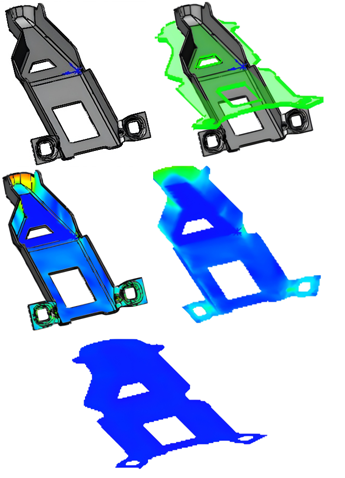
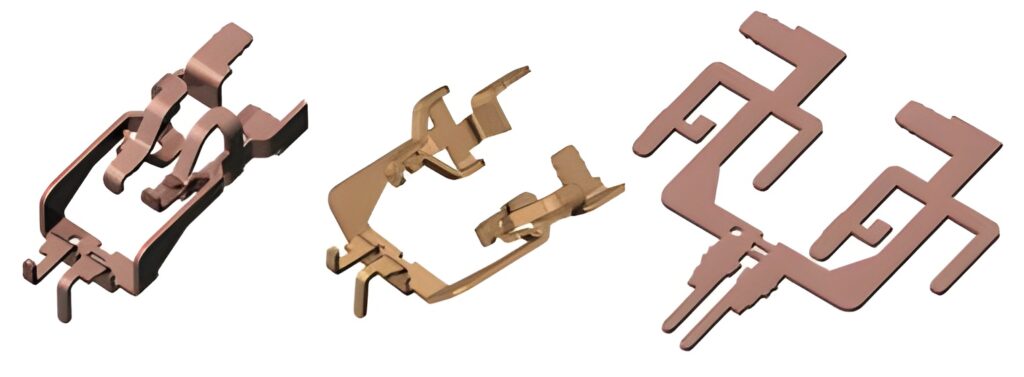
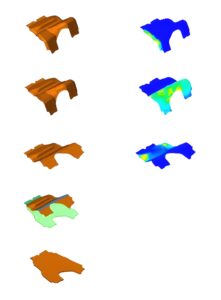
The Logopress BLANK module allows the user to determine the theoretical blank of any 3D complex-shaped parts– especially Sheet Metal Parts quickly and easily. The parts can be imported as solid or surface models from any CAD system that is supported in SOLIDWORKS.
The upfront practicality of the Flattening function helps both at the quotation stage and in die design process as it minimizes development time in the press. Meshing for blank function is fully automatic yet the size of the mesh can also be adjusted/finetuned as the user prefers.
The Logopress BLANK module is included inside the die design package, but can also be purchased independently. With fewer mouse clicks, you can unfold your part, model the intermediate stages that will allow defining each stage of the process that will become your strip layout.
This can be done from a native SOLIDWORKS™ model or from an imported model from any other cad system supported in SOLIDWORKS, without preparing it in any specific way.
The K-Factors for each individual bend can be automatically calculated by Logopress™ and the unfolding/unbending features can very easily be edited at any point for precise output. This way, you can switch from full unbending to partial unbending. You can change the partial unbending angle value, you can manage the spring back options, the bend allowance, etc as LOGOPRESS gives maximum flexibility
LOGOPRESSDie Design -Strip Layout
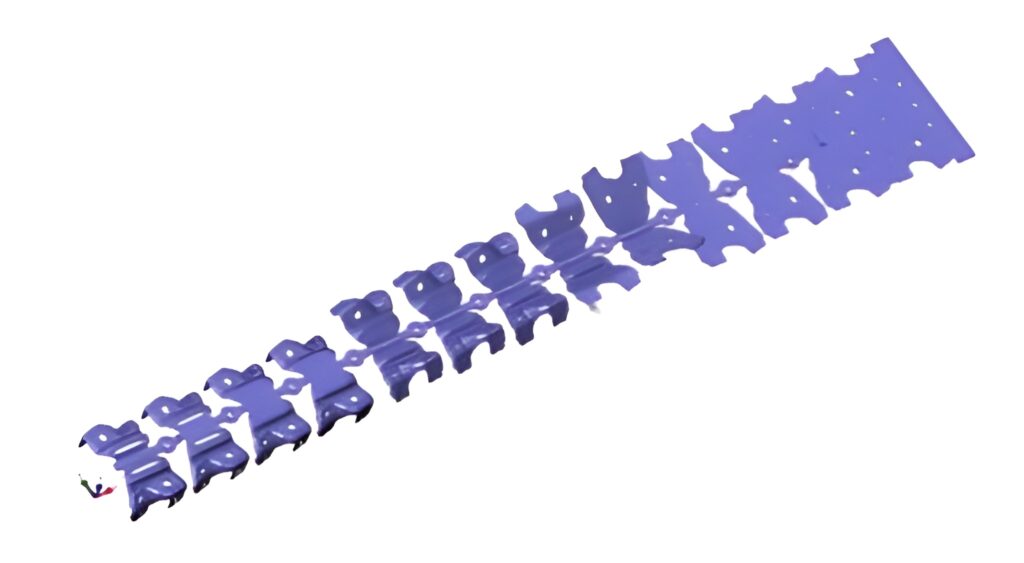
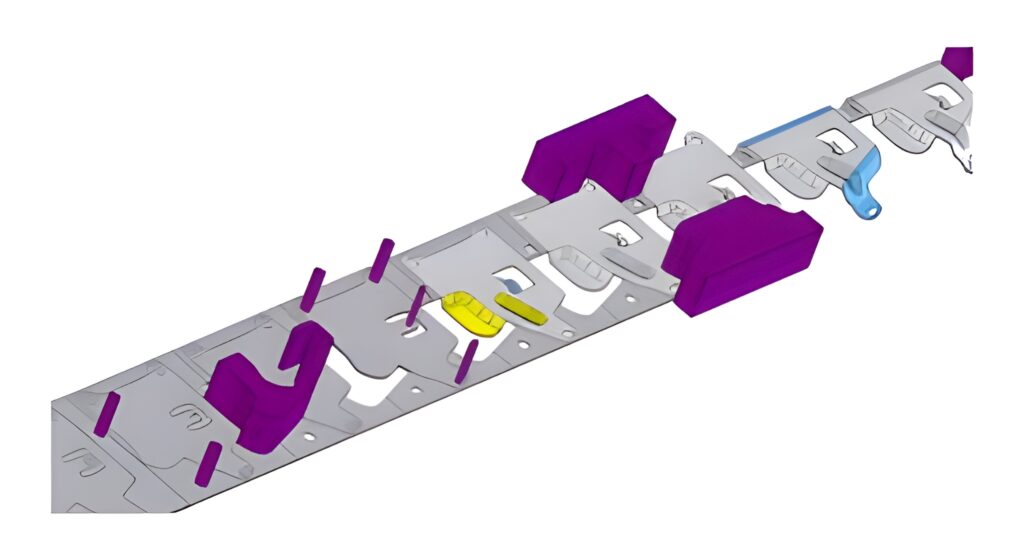
The strip layout module can be used for both progressive & transfer dies. It allows quick modelling of the true solid 3D strip stage by stage in a very easy and logical way, resulting from our 25 years’ experience shared with passionate die designers.
The Logopress™ strip module can be started from a blank and a folding/stamping process that was first defined using the Logopress™ Unbending and Flattening tools or from dumb imported data provided by your customers or partners.
Logopress strip layout module also includes great and specific features and capabilities dedicated to Round Draw Parts.The important advantage is to highlight that as everything is parametric, any changes can be done very quickly.
LOGOPRESS Die Design – Nesting
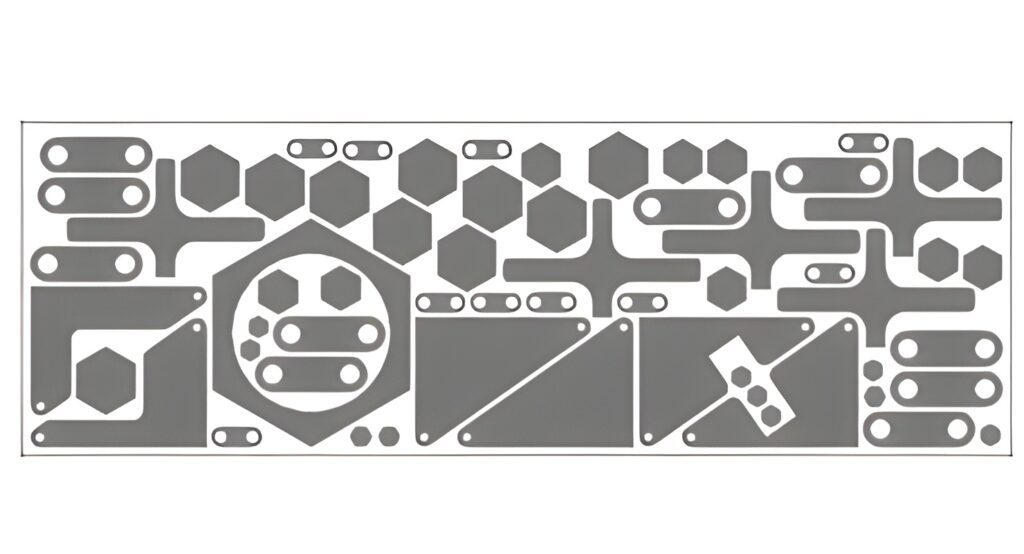
Logopress NESTING starts with a multi-bodypart file (created with SOLIDWORKS or imported from a different CAD system) orwith individual part files that are in an assembly. After setting some logical parameters that allow extreme flexibility it will quickly nest the parts per the options user sets.
For a die designer, this module isvery useful when building Wire EDM burn blocks or for nesting various shaped sharpening shims for under die inserts – This is one example of application.
LOGOPRESS Die Design– Die Set Assistant& Standard Components
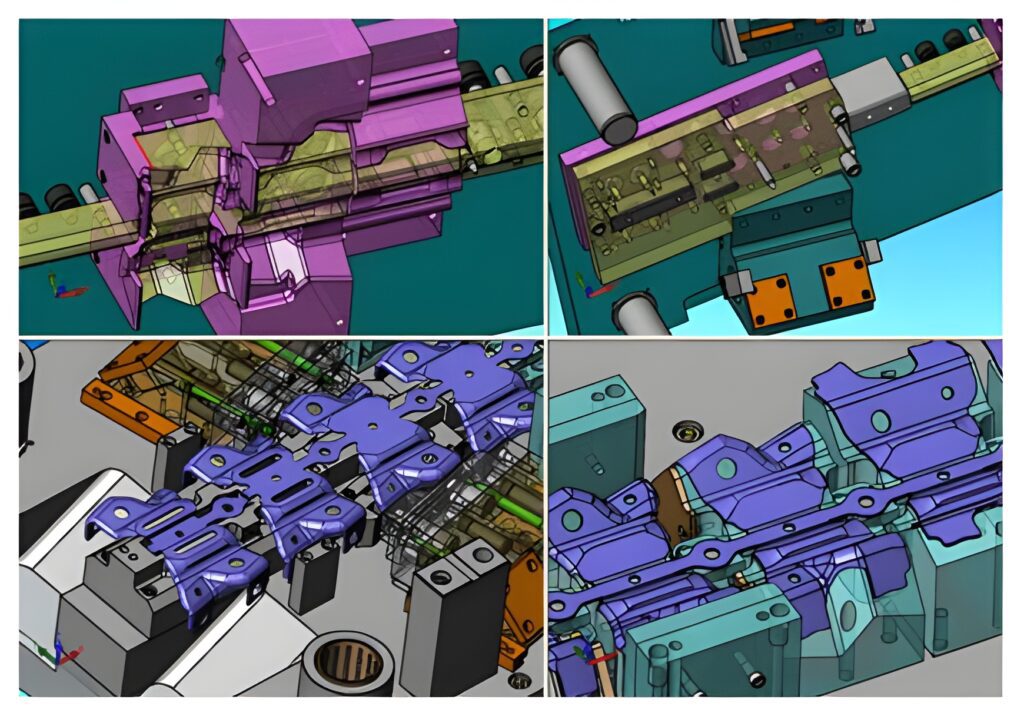
Logopress Die Design includes powerful Tool Structure Assistant that allows user to quickly model the main die components and to insert additional plates or sub-assemblies.
User can very easily select and insert a plate or a sub-assembly and then adjust its dimensions. The plates can be named at this point and the material type and heat treatment can also be specified at the time of insertion.
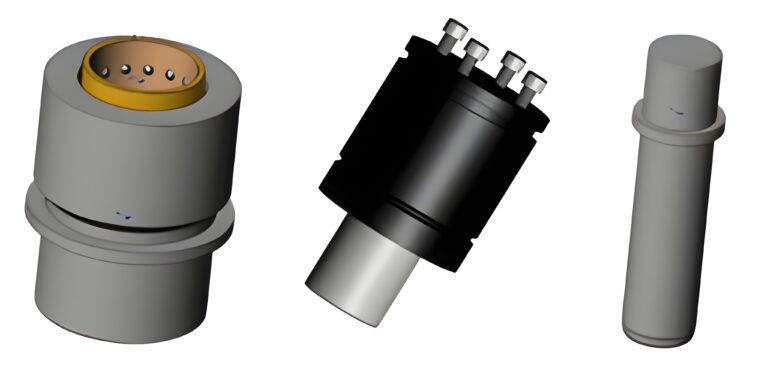
No die design software is complete unless it has a thorough Intelligent Standard Component Library. The Logopress™ library not only inserts the component user selects but also cuts every hole in each plate and automatically manages all mates.
LOGOPRESS Die Design –Punch Assistant& Intelligent Animation
Logopress also includes powerful features to “Mount” the cutting, bending, and forming punches (cut all openings in all plates). it easily manages this with only a few mouse clicks and dialog box settings. After user defines the first one, Logopress™ stores the preferences in order to save even more time for the next mounting.
If later user decides to create an insert around the punch or die mounting, Logopress offers a dedicated feature to do this very easily, including the ability to automatically create a shim under the insert.
In addition to all these tools & features designed to increase your productivity, Logopress also includes an Intelligent Animation command along with a Dynamic Interference Detection command. It automatically does dynamic interference and collision detection between the four main sub-assemblies of the die, while showing the entire die operating as if it were in the press, including the strip lifting and advancing with each press stroke. This assures that mistakes are caught at the design stage and not at the much more expensive and time-consuming build stage of the die.
LOGOPRESS Die Design– Progressive Blank Companion
Progressive Blank Companion is an optional add-on that requires one of the Logopress software packages listed below:
Behind its user-friendly interface, this powerful add-on is made up of complex mathematical algorithms and is the result of several years of research and development invested by Logopress.
Besides simplifying and speeding up the modelling of intermediate stages, Progressive Blank Companion also allows the user to form a flat BLANK up to a complex shaped surface.
Progressive Blank Companion can be added on to any of the following Logopress software packages: BLANK, FLATTENING, STRIP LAYOUT or DIE DESIGN.
Logopress for SOLIDWORKS offers robust set of solutions to predict/ create blanks from component models, helps user to build a precise strip layout with stages and define & edit tool structure using inbuilt component libraries. It also further brings finite element analysis together which helps in determining thinning in components, spring back in formed component designs helping the designer and/or estimator quickly and easily determine the theoretical blank of a complex 3D formed part and the exact strong points in components. Logopress can use both SOLIDWORKS models and imported files from Other CAD.


Comments are closed.